Google Drive: The Ultimate Tip to Never Lose Your Files Again ☁️
We've all experienced the panic of data loss. A crashing hard drive, a glass of drink spilled on a laptop, or an important file that just can't be found. What if the solution for absolute digital peace of mind lies in one simple, accessible tool: Google Drive? More than just storage space, it's a complete, free backup strategy that can save the day.
The Problem: Local Storage is a Ticking Time Bomb 💣
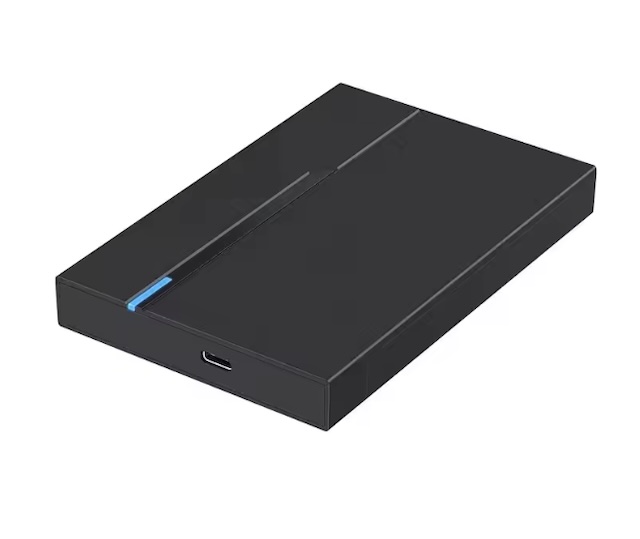
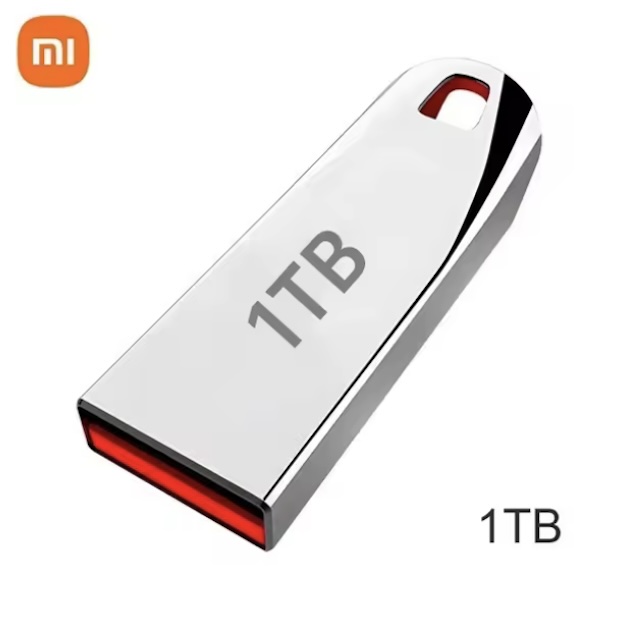
Relying on a single location to store all your important data is extremely risky. Hard drives eventually fail. External drives can be lost or damaged. Local storage is fragile.
The Ultimate Tip: Use Google Drive for the synchronization and automatic backup of your crucial folders.
Need a professional safety net? If you manage critical business data, consumer-grade Cloud backup may not be enough. At DigitalKif, we offer professional data backup and recovery solutions, including secure Cloud NAS and disaster recovery strategies to ensure business continuity.
1. Secure Backup: Access Anywhere, Anytime
Google Drive is a vault accessible from any device connected to the internet.
- Security: Your files are encrypted and stored on Google's ultra-secure servers.
- Universal Access: On desktops, Macs, tablets, or smartphones, your files are there. You gain mobility and productivity.
2. The Secret to Sync: Backup Without Thinking About It
The true power of Google Drive lies in its desktop application, "Google Drive for desktop." Instead of occasional drag-and-drop, you can:
- Select specific folders ("Documents," "Desktop," "Photos").
- Set the application to sync these folders continuously.
As soon as you save a new file, it's automatically backed up to Google Drive. If your computer crashes, all your important files are already safe in the Cloud.
3. Version Management: Travel Back in Time ⏳
Did you accidentally modify and overwrite a vital document? Don't panic. Google Drive keeps a history of all file changes. You can easily restore a previous version, sometimes going back up to 30 days. It's your time machine for documents.
4. Simplified Organization and Collaboration
- Powerful Search: Find a file by its content or keywords.
- Instant Collaboration: Share entire files or folders with a secure link and work simultaneously on Google Docs without the hassle of multiple copies.
Quick Start Guide for Maximum Security
- Download the App: Install "Google Drive for desktop" on your PC or Mac.
- Choose Your Folders: Select the local folders you want to continuously back up.
- Enable Mobile Access: Install the Google Drive app on your smartphone for mobile access.
Adopting Google Drive is the best insurance that your valuable files will never disappear again.
Need help securing your ecosystem?
Whether you're looking to equip your team with suitable Cloud storage or implement a comprehensive backup strategy, the expert team at DigitalKif is here for you.
Contact us today for an assessment of your security and storage needs. Secure your digital life with a trusted partner.