What to Do If Your Email Is Hacked? The Emergency Guide 🚨
Your inbox is the nerve center of your digital life: invoices, forgotten passwords, professional exchanges, and access to your social media and bank accounts all flow through it. So when a hacker takes it over, it's not a minor inconvenience, it's the gateway to all your accounts. Strange logins, contacts receiving messages you never sent, a password that no longer works… In 2026, email hacking remains one of the most common attacks. Don't panic: here are the reflexes to adopt immediately to regain control and limit the damage.
1. Recognize the Signs of a Hack 🔍
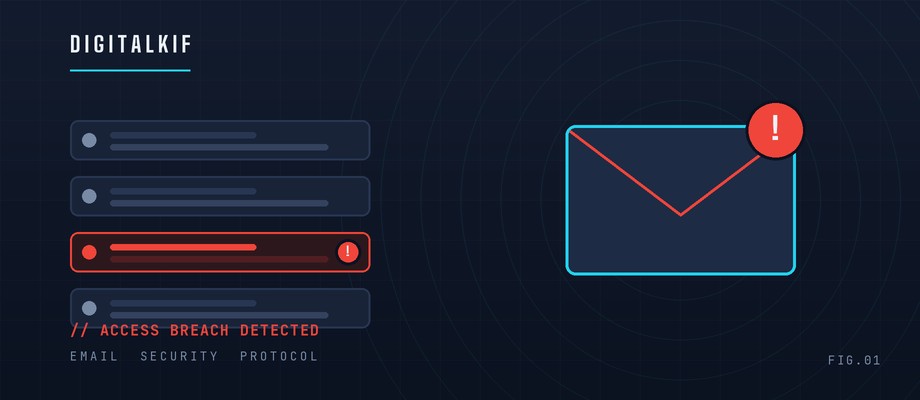
The sooner you react, the less damage will be done. Some signals are unmistakable and should alert you without delay.
- The Clues: Emails in your "sent" folder you don't recognize, contacts reporting suspicious messages, login alerts from an unknown country, or a sudden inability to sign in. Very often, it all starts with a fake message that tricked you into entering your credentials: learn how to spot a phishing email so you never fall for the trap again.
- The Right Reflex: Check your account's login history (Gmail, Outlook, and Yahoo all offer a "recent activity" feature). You'll see the devices and locations used to connect, enough to confirm the intrusion within seconds.
2. Regain Control Immediately 🔒
Once the intrusion is confirmed, every minute counts. The goal: lock the door before the hacker settles permanently into your account.
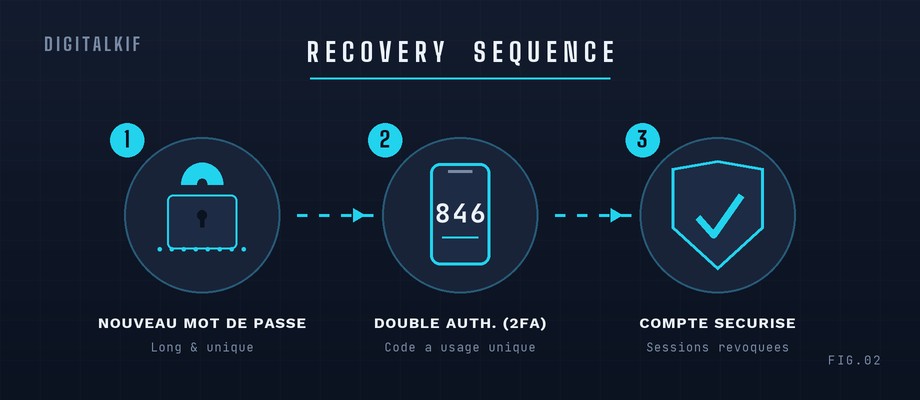
- Change the Password: If you still have access to the account, change it immediately to a long, unique password. If you're locked out, use the "forgot password" recovery process via your phone number or backup email address.
- Enable Two-Factor Authentication (2FA): This is the most effective lock. Even with your password, a hacker can no longer log in without the code sent to your phone. Take the opportunity to secure all your accounts in 30 minutes and sign out of all active sessions.
3. Limit the Damage and Clean Your Account 🧹
Reclaiming the password isn't enough: a careful hacker often leaves "backdoors" to come back, even after you change your password.
- Inspect the Settings: Make sure no automatic redirection (email forwarding) or suspicious filtering rule was created without your knowledge. Also check your backup address and phone number, which hackers modify to keep a foothold.
- Warn and Secure the Rest: Tell your contacts not to reply to fraudulent messages, and change the password of every account linked to that address. Stay alert to the online scams that often follow a hack.
DigitalKif Expertise: Take Back Control of Your Digital Security
A hacked email can compromise your entire digital identity within hours. The best defense remains prevention: strong passwords, two-factor authentication, and good habits. At DigitalKif, we help individuals and professionals audit, secure, and regain control of their compromised accounts.
Do you think your inbox or your company's mailbox has been compromised? Don't wait for the damage to get worse. Contact the DigitalKif team right now for fast support and to deploy a bulletproof cybersecurity strategy!