Are Your WhatsApp & Messenger Conversations Secret? Protect Your Messages! 🔒
Whether it's for exchanging strategic business data or sharing personal secrets, WhatsApp and Messenger have become, for many of us, preferred communication channels. However, the illusion of privacy can quickly fall apart. A phone left unattended, a poorly configured cloud backup, or the lack of an app lock, and your private messages become accessible to everyone. In 2026, instant messaging remains a prime target for data hacking. Discover how to lock down your apps and secure your professional and private exchanges today.
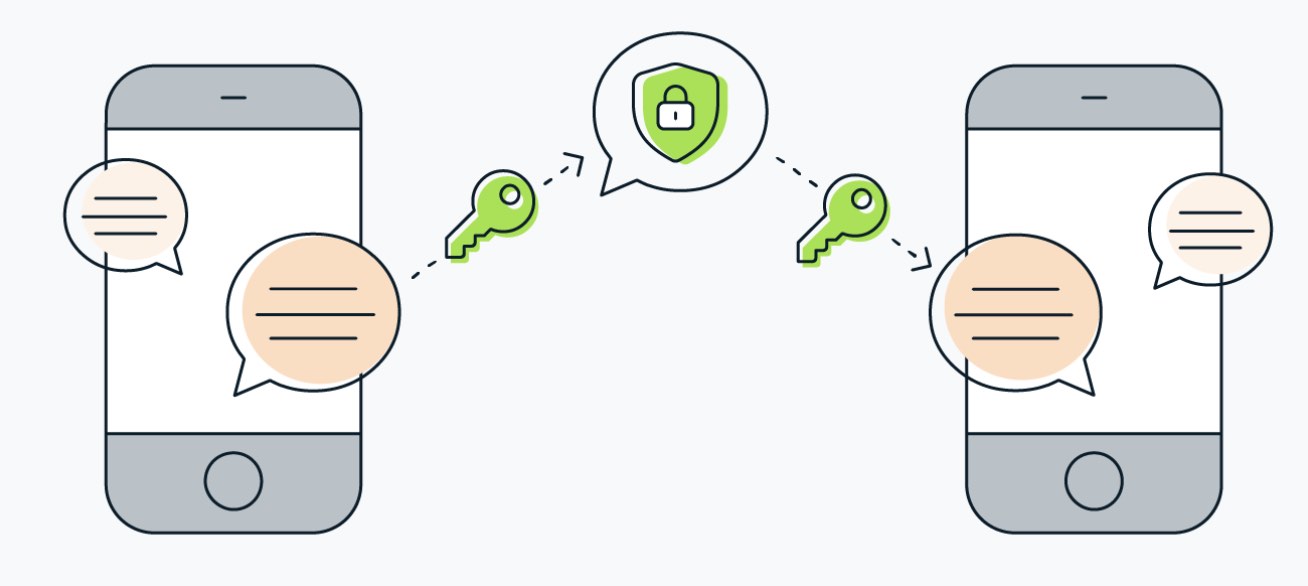
1. The Trap of Unencrypted Cloud Backups ☁️
While your WhatsApp chats are encrypted end-to-end on your smartphone, what happens when they are backed up to the cloud on Google Drive or iCloud? By default, these backup files do not always benefit from the same level of protection.
- The Vulnerability: A hacker who manages to break into your cloud storage space can restore and read your entire chat history. This is one of the cloud backup errors that occurs most frequently and is highly dangerous.
- The Solution: Go to the chat settings of your WhatsApp application and enable End-to-End Encrypted Backup. Create a robust password or a unique encryption key to padlock this archive permanently.
2. Enable Local Locking and Two-Factor Authentication (2FA)
Physical access to your smartphone or the hacking of your phone number via SIM swapping represent direct threats to your business and your private life.
- The Danger: A moment of carelessness at your office or in a public place is enough for a third party to read your conversations or attempt to clone your account on another device. This is a classic trap that is part of the smartphone security mistakes committed on a daily basis.
- The Habit to Form: Set up app locking immediately using your fingerprint or facial recognition (FaceID). Additionally, activate two-step verification in the security options: a PIN code will then be required for any new configuration of your account.

3. Master Manual Encryption and Disappearing Messages
Unlike WhatsApp, Meta's Messenger app does not always automatically activate end-to-end encryption across all older conversations or professional accounts.
- Manual Encryption: Get into the habit of using the "Secret Conversation" option on Messenger when you must share highly sensitive details. This ensures that only you and your recipient hold the decoding keys.
- Clean House: For sending temporary documents or sensitive credentials, use the disappearing messages option. They automatically vanish after being read, an excellent practice to make your smartphone perfectly secure against prying eyes.
DigitalKif Expertise: Protect Your Business Communications
Instant messaging is a wonderful productivity lever for modern teams, but it must not become the weak link in your IT infrastructure. At DigitalKif, we assist professionals in auditing and securing their digital collaborative tools.
Are your employees sharing confidential data on WhatsApp or Messenger? Do not let a simple software oversight expose your company's secrets. Contact the DigitalKif team right now to deploy a robust mobile cybersecurity policy and train your teams on the web's best practices!