How to Make Your Computer Last Longer 🖥️
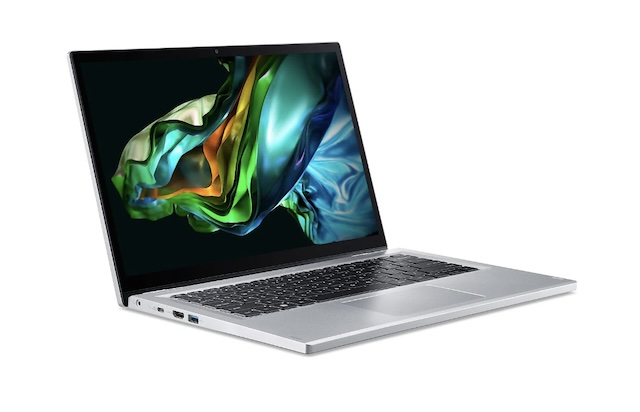
A computer is a major investment, whether for personal or professional use. With the rapid evolution of components, there's a strong temptation to change machines every two years. However, with a few simple steps and regular maintenance, you can double the lifespan of your PC or Mac. Extending the life of your hardware is good for your wallet and the planet. Here is our expert advice on keeping your machine performing at its best for as long as possible.
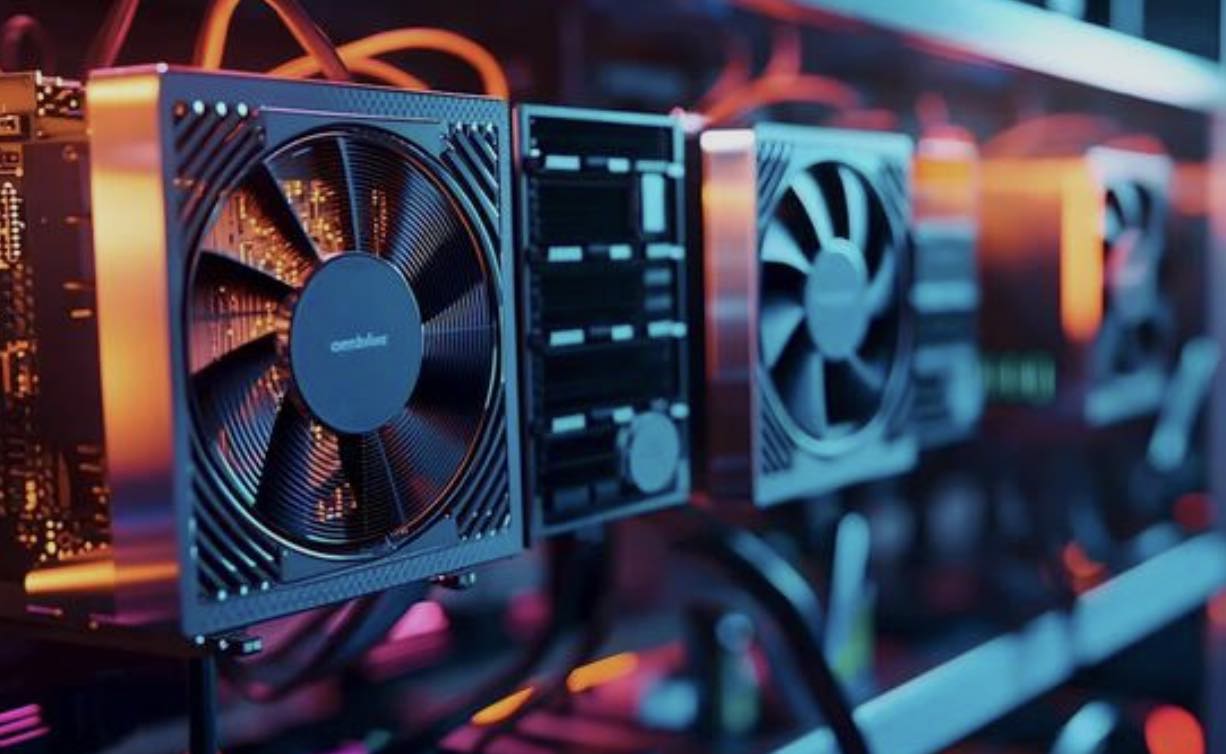
1. Physical Cleaning: Your Best Ally Against Heat
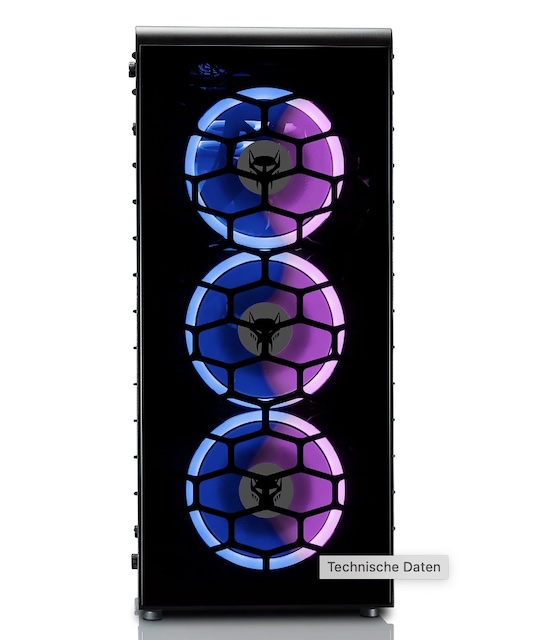
Heat is the number one enemy of electronic components. Dust accumulates in the fans, preventing air from circulating and forcing the processor to slow down.
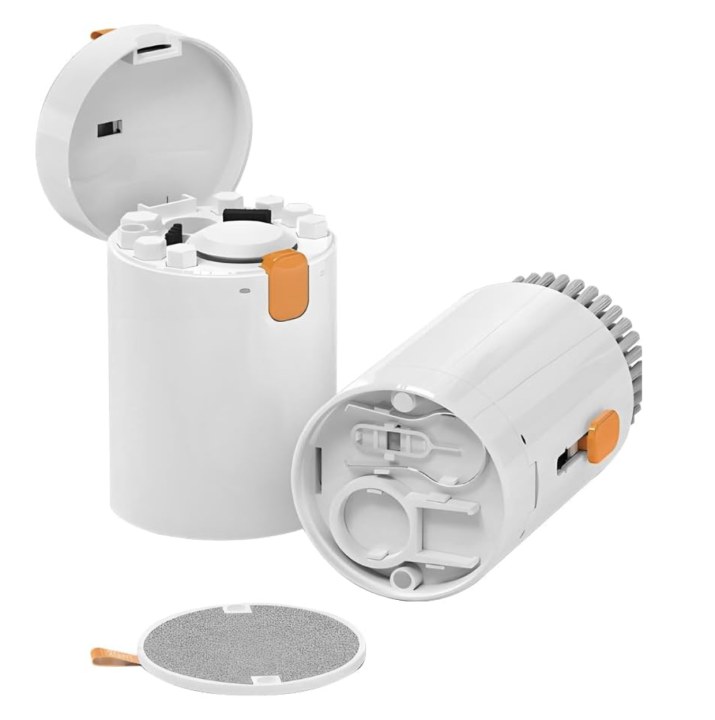
- Maintenance: A blast from a dry air canister every six months can work miracles. To go further, follow our 5 tips to clean and boost your PC.
- Accessories: Using a cooling pad is one of the must-have accessories to protect laptops from overheating.
2. Software Hygiene: A Lean System is a Fast System
The more cluttered your hard drive is, the harder the system has to work to access data. This unnecessary stress wears out your hardware over the long term.
- Organization: Get into the habit of properly organizing your files and folders. A cluttered desktop slows down your session startup.
- Protection: Malware consumes an enormous amount of resources in the background. It is vital to choose the right antivirus to block these intruders that age your machine prematurely.
3. Preserve Your Critical Components 🔋
If you use a laptop, the battery is often the first component to fail. While some tips for extending a phone's battery life apply in part, a computer has its own specific needs.
- Charging Cycles: Avoid leaving your computer plugged in at 100% all the time. The heat generated by a constant charge reduces the lifespan of the battery cells.
- Electrical Safety: A power surge can fry your motherboard in a second. Protect your office technology with a high-quality surge protector.
4. Choosing the Right Tools from the Start 🛠️
Making your hardware last begins at the time of purchase. An underpowered machine will struggle much sooner under the weight of software updates.
- The Initial Choice: Check our guide on how to choose the right computer in 2026. Prioritize models where the RAM or storage can be upgraded.
- Risk Prevention: Don't let a software failure or virus destroy years of work. Remember to secure your accounts and create unbreakable passwords to avoid destructive hacks.
DigitalKif Expertise: Your Hardware and Software Partner
Maintaining your IT equipment requires time and expertise. At DigitalKif, we support you in the selection, configuration, and maintenance of your digital tools to ensure their longevity.
Is your computer starting to show signs of fatigue? Before thinking about a replacement, a diagnostic can often give it a second life. Contact the DigitalKif team today to optimize your equipment and extend its efficiency!