Google Workspace: 5 Powerful Features You’re Ignoring
Google Workspace is much more than just a suite of office software. It is a complete ecosystem that, when mastered correctly, can double your execution speed. Yet, many people stop at writing basic emails or documents. Whether you use the free version or the Pro edition, there are hidden functions that make all the difference. Ready to transform the way you work? Here is how to exploit the full potential of your tools.
1. Offline Mode: Work Without Limits
It’s a common misconception that Google Workspace only works with an internet connection. That’s false. You can view and edit your documents, spreadsheets, and emails even while on a train or a plane.
- The Trick: Enable "Offline" mode in your Google Drive settings. Your changes will sync automatically as soon as you reconnect.
- The Benefit: It’s the perfect extension to transform your smartphone into a high-performance mobile office, even in dead zones.
2. Artificial Intelligence at the Service of Your Data 🤖
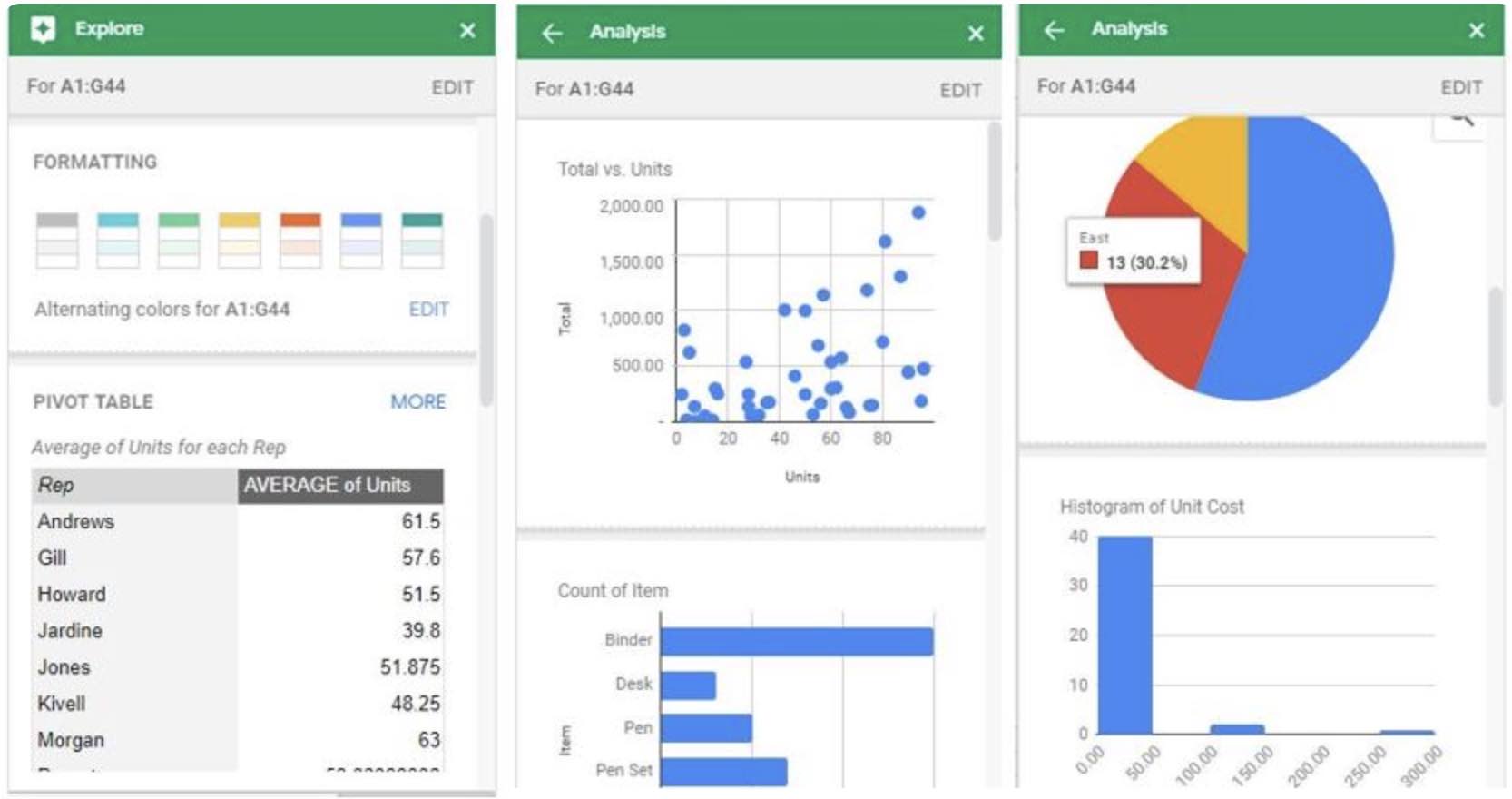
In Google Sheets, the "Explore" function analyzes your data for you and creates charts instantly.
- Time Saver: Ask a question in natural language (e.g., "What were the total sales in March?") and Sheets will generate the formula for you.
- Future Vision: This fits perfectly with the tech trends shaping 2026, where automation is becoming the standard.
3. Ultra-Fast Creation Shortcuts ⌨️
Why waste time navigating through menus when you can get straight to the point?
- Browser Magic: Type doc.new, sheet.new, or cal.new directly into your browser's address bar to create a new file instantly.
- Productivity: Mastering these shortcuts is just as crucial as knowing the essential keyboard shortcuts on Windows and macOS.
4. File Management Like a Pro 📂
Digital clutter is the primary enemy of productivity. Google Workspace allows for surgical organization.
- The Search Engine: Use advanced filters in Drive to find a document by its owner or modification date.
- Structure: Don’t let your Drive turn into chaos. Apply our advice on how to organize your files and folders to save time every single day.
5. Maximum Security: Lock Down Your Space 🛡️
With all your professional data centralized, security is not an option. A hacked Google account means your entire business comes to a standstill.
- The Golden Rule: Don’t settle for just a password. Take 30 minutes to secure all your accounts with 2-step verification.
- Digital Hygiene: Ensure you are using a truly unbreakable password and regularly check third-party access to your account.
DigitalKif Expertise: Your Office, Your Engine
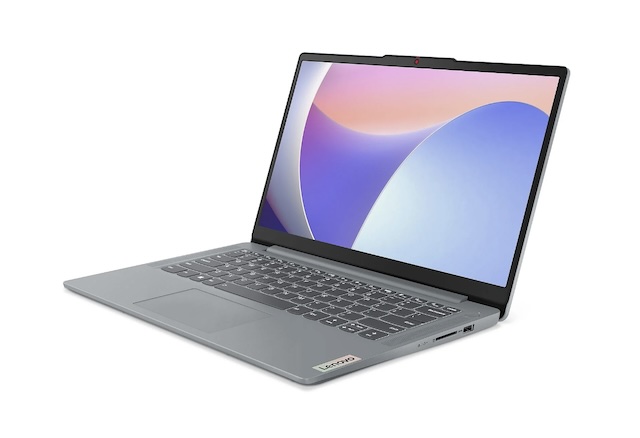
Optimizing your software suite is just as important as knowing how to choose the right computer. At DigitalKif, we believe that technology should be a lever, not an obstacle. Whether it's boosting your PC or configuring your cloud tools, we are by your side.
Do you want to audit your Google Workspace security or train your teams? Don’t let complexity slow down your ambitions. Contact the DigitalKif team today for a personalized diagnostic of your digital tools!