How to Spot a Phishing Email in 5 Seconds 🎣
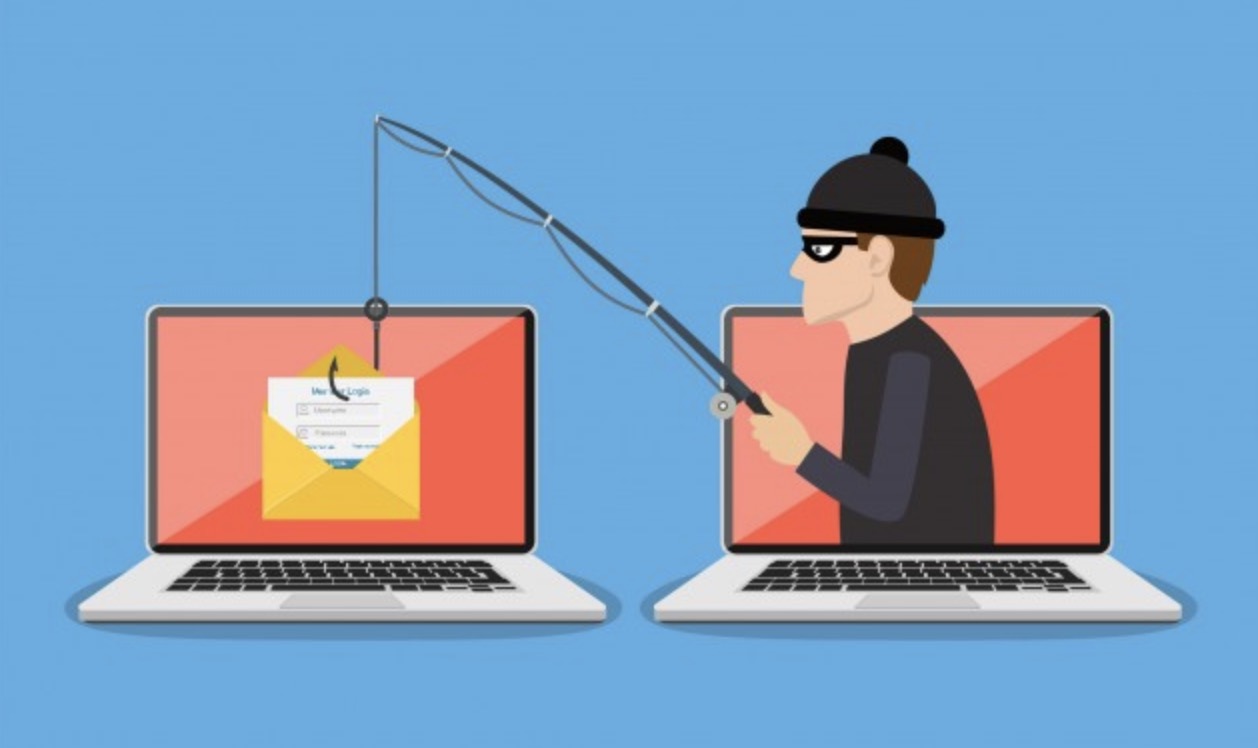
Phishing is a cybercriminal's weapon of choice. In 2026, fraudulent emails no longer look like the poorly translated messages of the past; they perfectly mimic the visual identity of your banks, cloud services, or even your colleagues. Yet, despite this sophistication, clues remain. Learning to scan an email in 5 seconds can save you from disastrous consequences. Here are the critical checkpoints to verify before you click.
1. The Sender: Don’t Trust the Display Name 📧
This is the simplest trick: a hacker can name their email "Microsoft Support," but they cannot use the company's official domain.
- The Test: Click or hover over the sender's name to see the actual email address. If the email claims to be from Netflix but the address ends in @gmail.com or @secu-netflix-com.xyz, delete it immediately.
- The Analogy: It’s like a stranger wearing a "Police" badge written in permanent marker. Checking this is basic to stop falling for scams.
2. Urgency: The Engine of Panic ⏱️
Phishing bets everything on your emotions. "Your account will be deleted," "Payment declined," "Action required within 2 hours."
- The Reflex: If an email asks you to act fast to avoid a negative consequence, it's a red flag. Take a deep breath. Legitimate services will never threaten you in this manner.
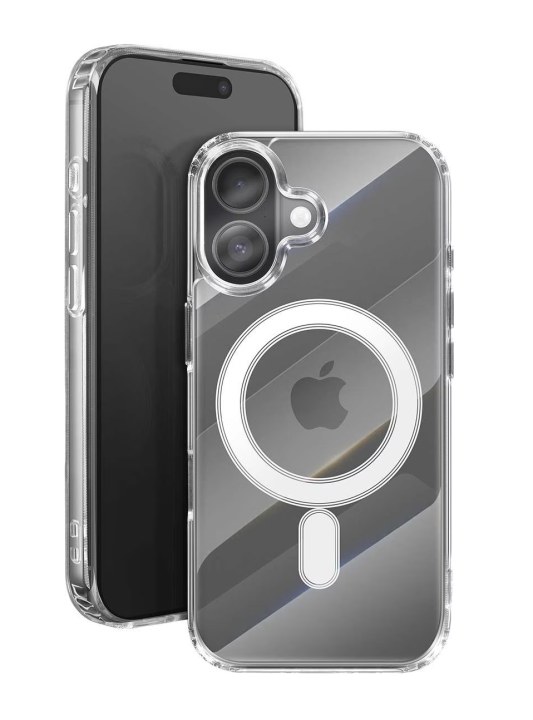
- Mobile Security: On a smartphone, these messages are even more effective because we often act in haste. Avoid these common smartphone security errors.
3. The Link: Hover Before You Click
The button text might say "Login," but where does it actually lead?
- The Technique: On a computer, hover your mouse (without clicking!) over the link or button. The destination address will appear at the bottom of your browser. If it doesn’t exactly match the official site, stay away.
- Protection: Using a password manager is an excellent defense: it will never autofill your credentials on a phishing site because it recognizes that the URL isn't official.
4. Requests for Personal Information
No serious institution (bank, tax office, IT service) will ever ask for your password, credit card number, or security codes via email.
- The "Zero Trust" Principle: If you are asked for sensitive data, consider the email fraudulent. When in doubt, log in manually to your client area via your browser or use your usual cloud storage tools to verify your documents.
DigitalKif Expertise: Training Your Human Shield
Even with the best office technology, humans remain the most targeted link. At DigitalKif, we believe that awareness is key. We help you implement clear security protocols and choose tools that filter these threats before they even hit your inbox.
Do you want to test your team's vigilance or secure your infrastructure? A security audit helps detect vulnerabilities before hackers exploit them. Contact the DigitalKif team for a proactive and personalized defense strategy!