How to Turn Your Smartphone into a True Mobile Office
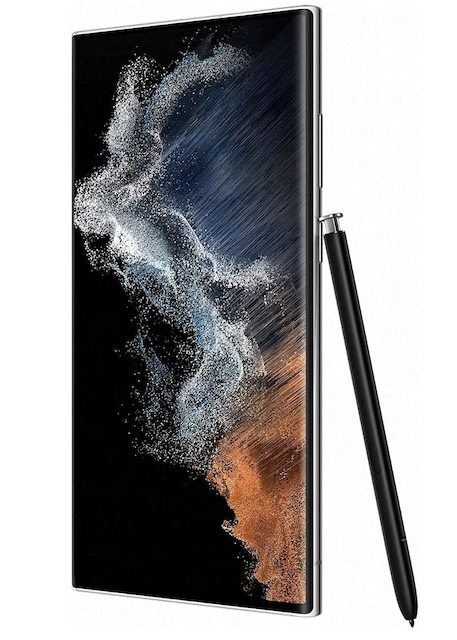
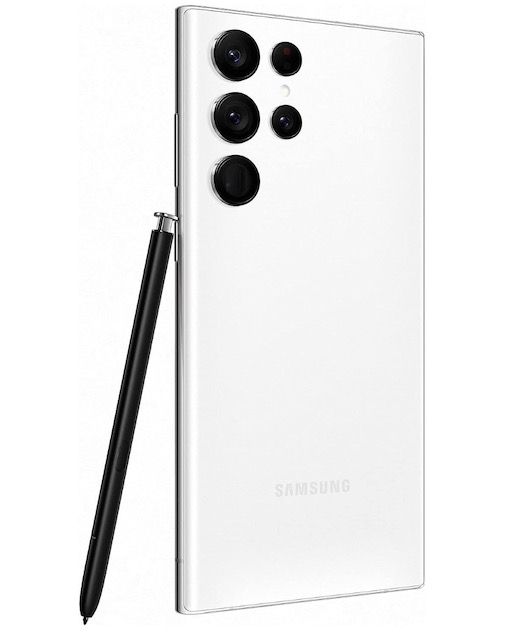
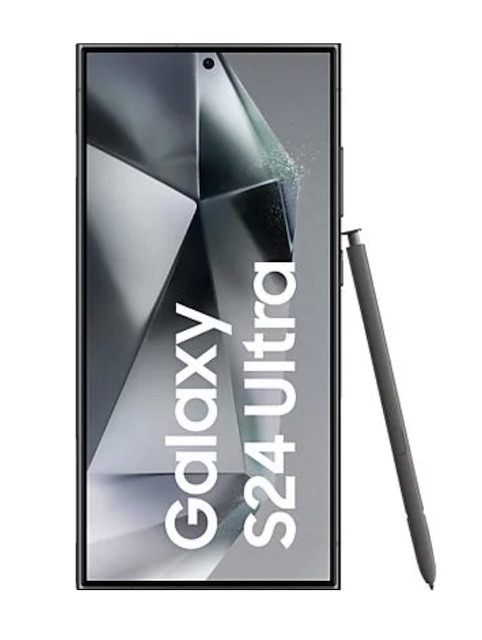
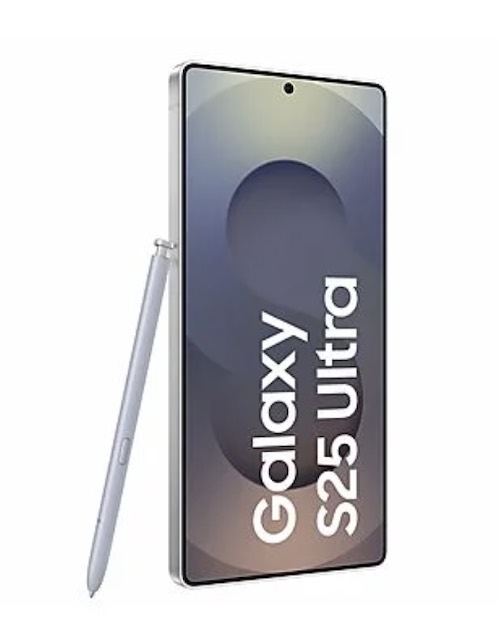
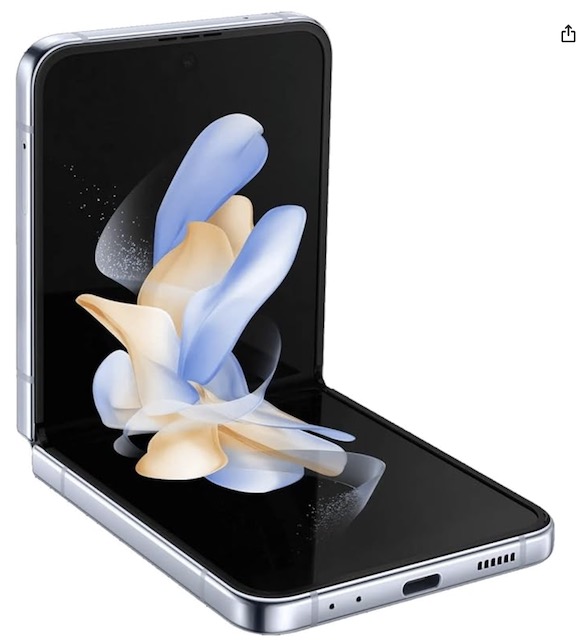
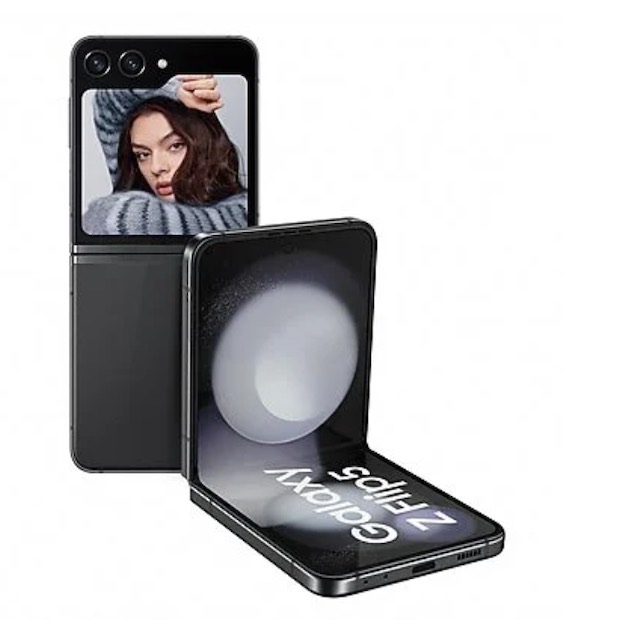
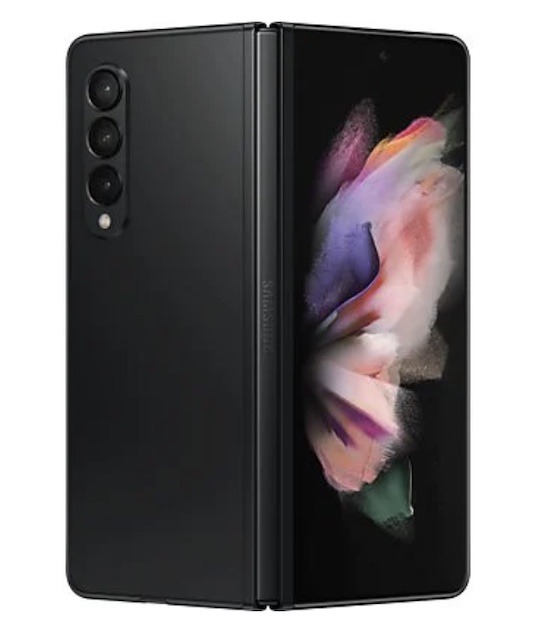
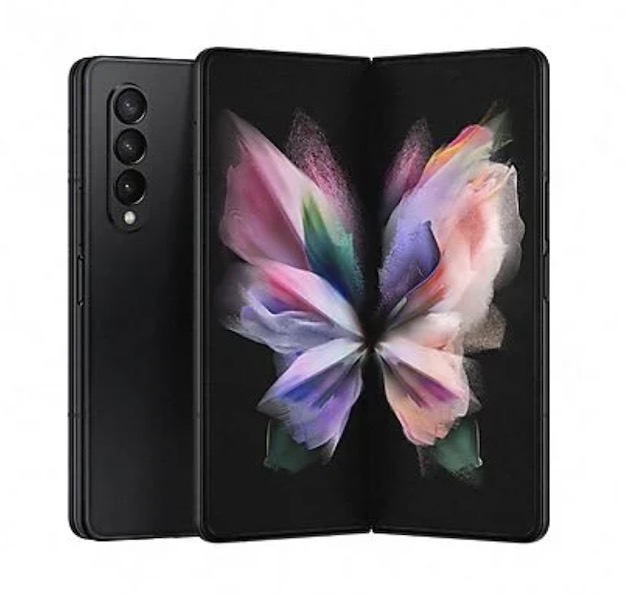
The modern smartphone is much more than just a phone; it's a portable mini-computer capable of handling almost all your professional tasks. Whether it's responding to urgent emails, participating in a video conference, or managing complex files, your mobile device is the ultimate tool for nomadic productivity. Here are the steps to set up your smartphone as a true mobile office.
1. The Infrastructure: Cloud and Connectivity
Your mobile office relies on seamless and secure access to your data.
- Cloud Storage: Ensure all your work documents are accessible via apps like Google Drive or OneDrive. This is the ultimate tip to never lose your files again and to be able to work on the same document from anywhere.
- Password Manager: Use apps like LastPass or Bitwarden to manage the complex credentials for your professional tools. This is the basis for an unbreakable password, even on the go.
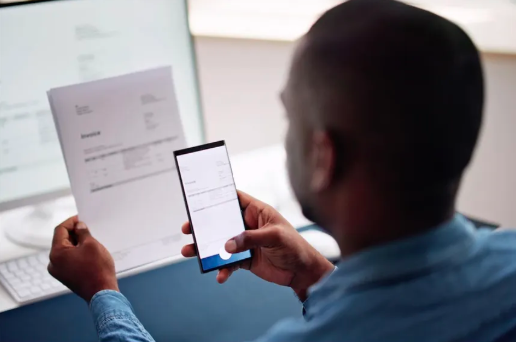
- Built-in Scanner: The mobile Drive app or tools like Adobe Scan allow you to scan and send documents instantly.
2. The Desktop Extension: Essential Accessories
For prolonged work sessions or intensive writing, external peripherals are indispensable.
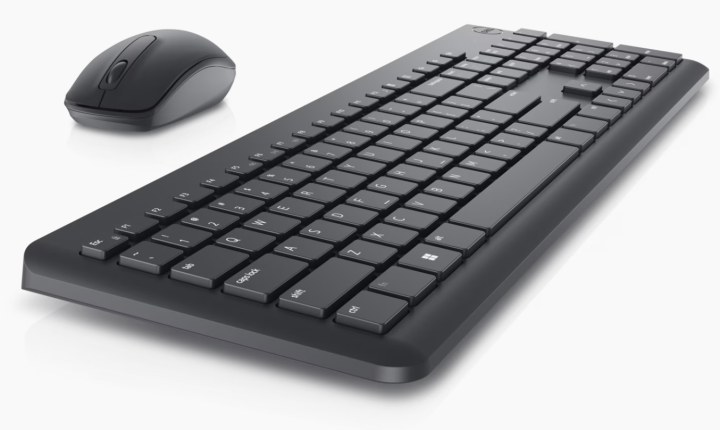
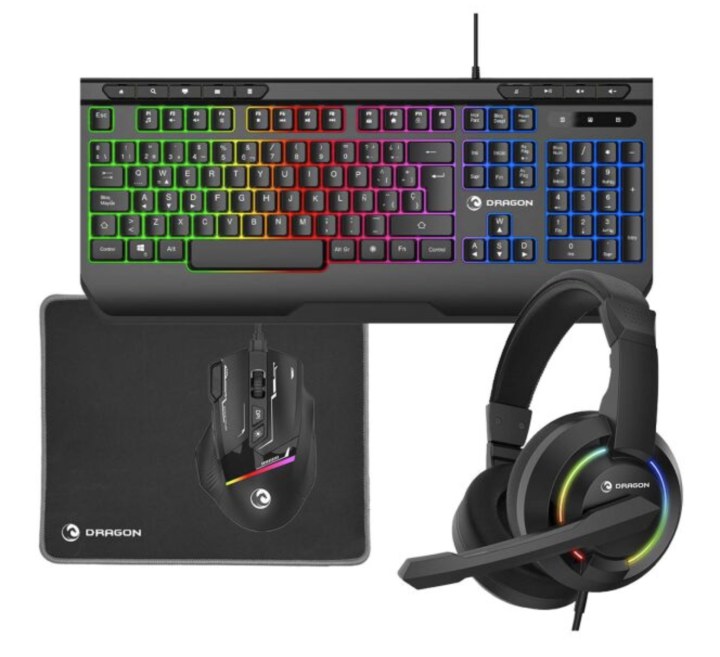
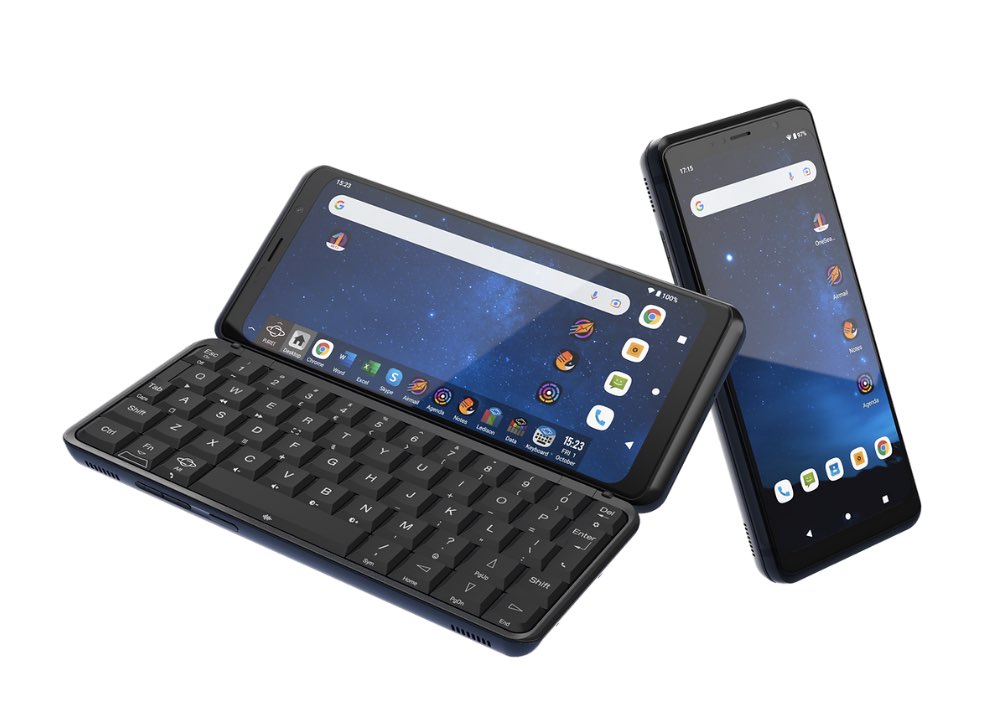
- Bluetooth Keyboard: A compact and lightweight keyboard is crucial for drafting long emails or data entry. It will increase your speed and allow you to use your familiar keyboard shortcuts.
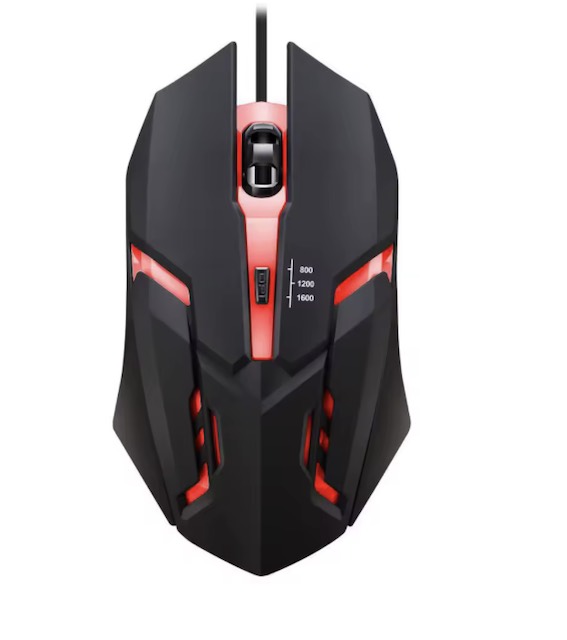
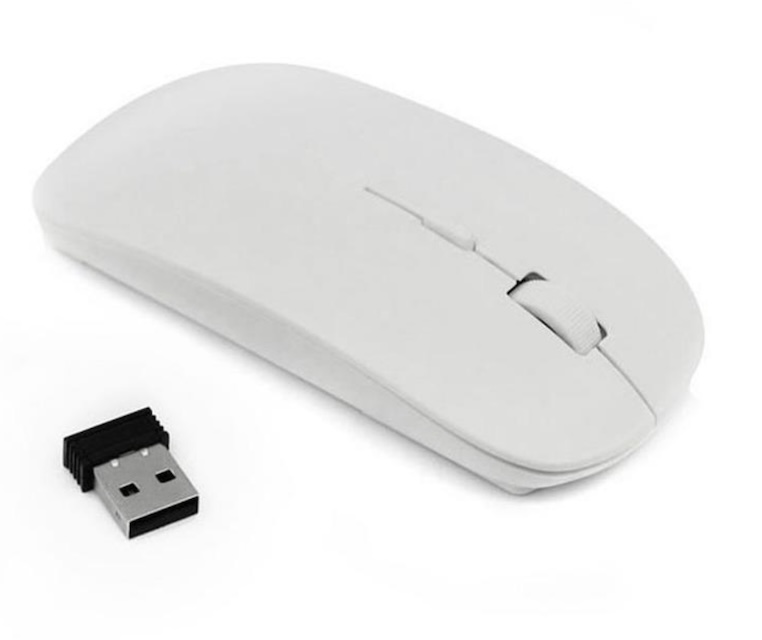
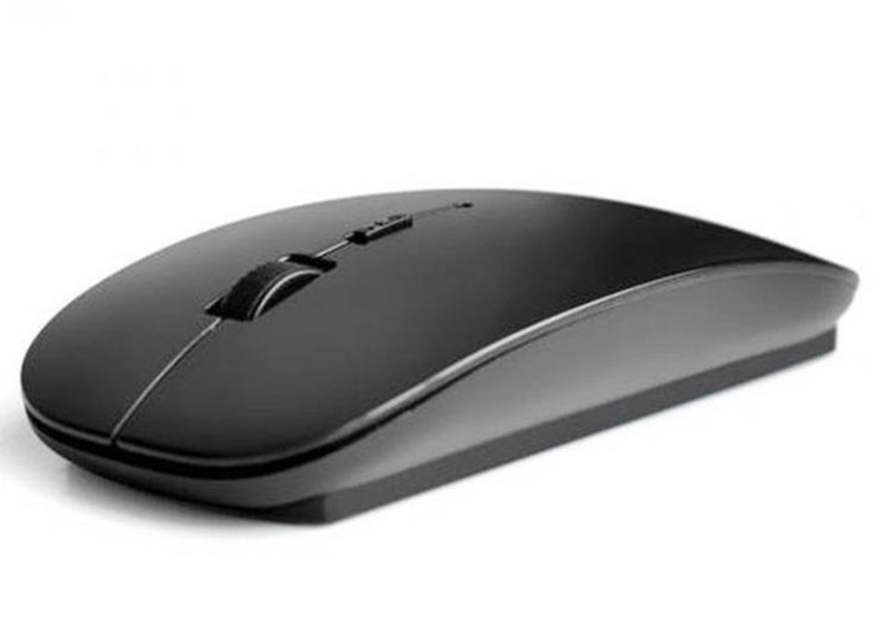
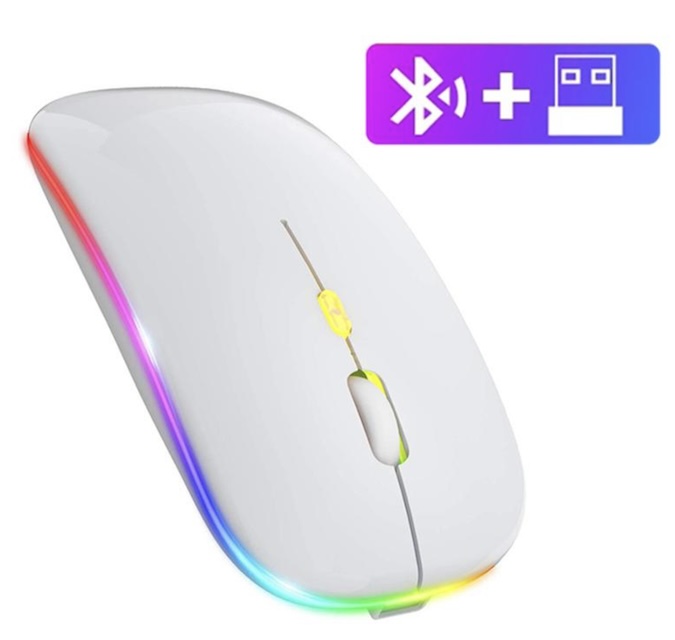
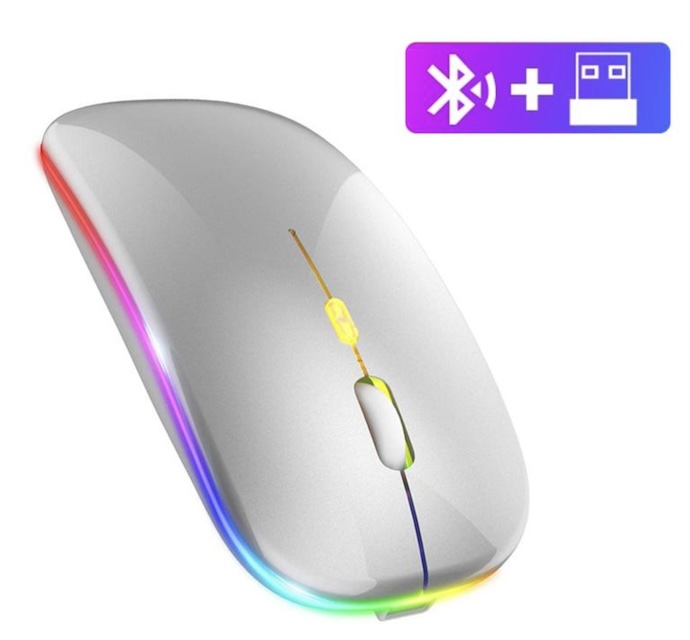
- Mobile Mouse: For navigation and precision, a Bluetooth mouse greatly enhances the user experience on office applications.
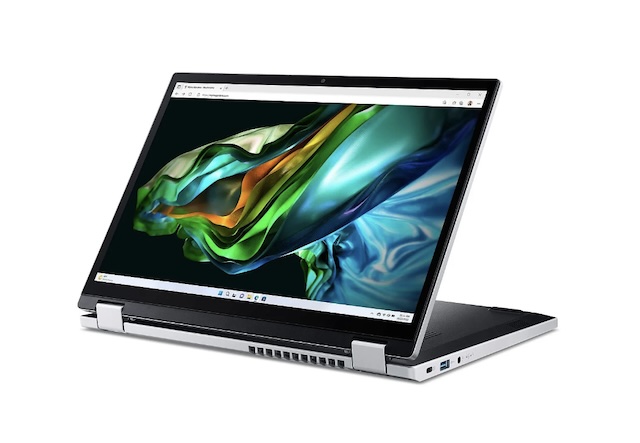
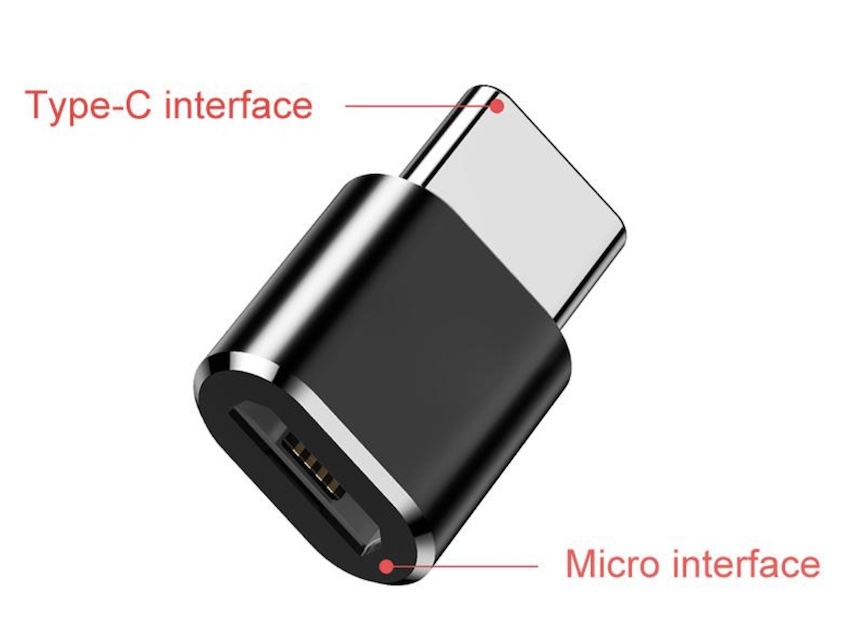
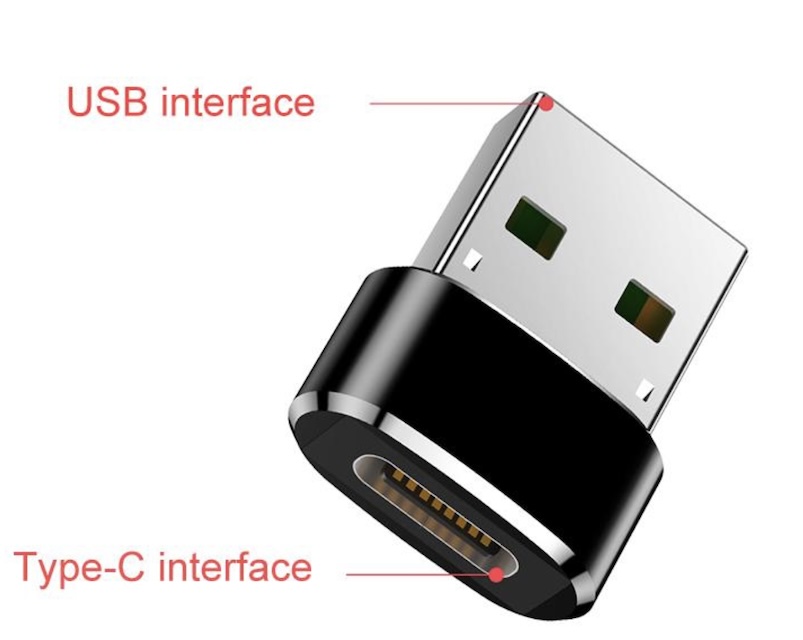
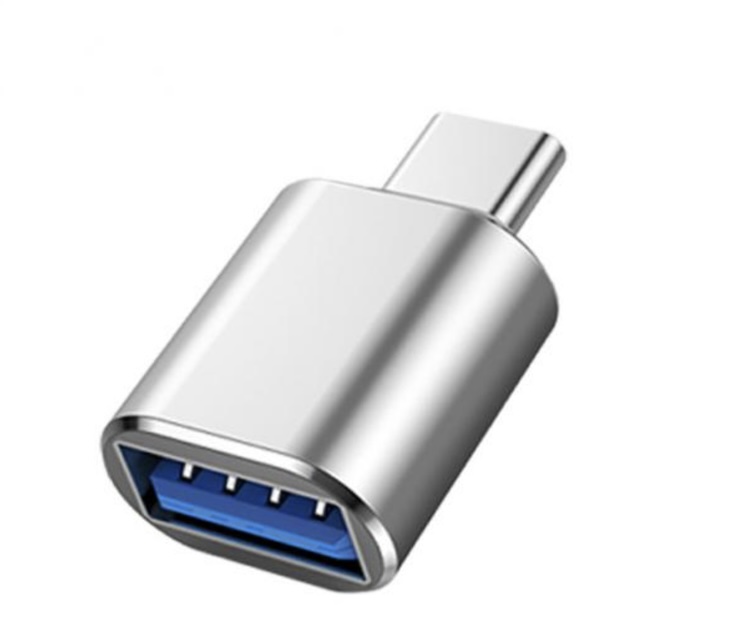
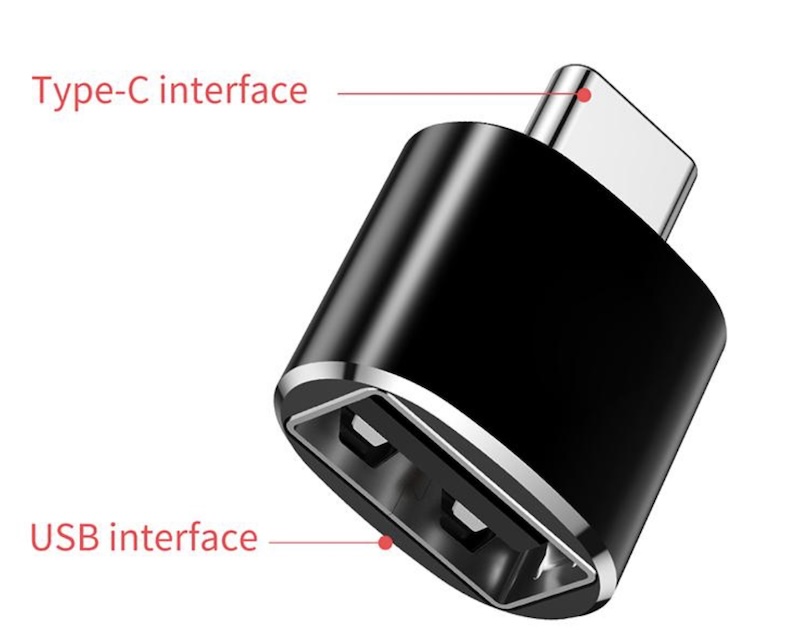
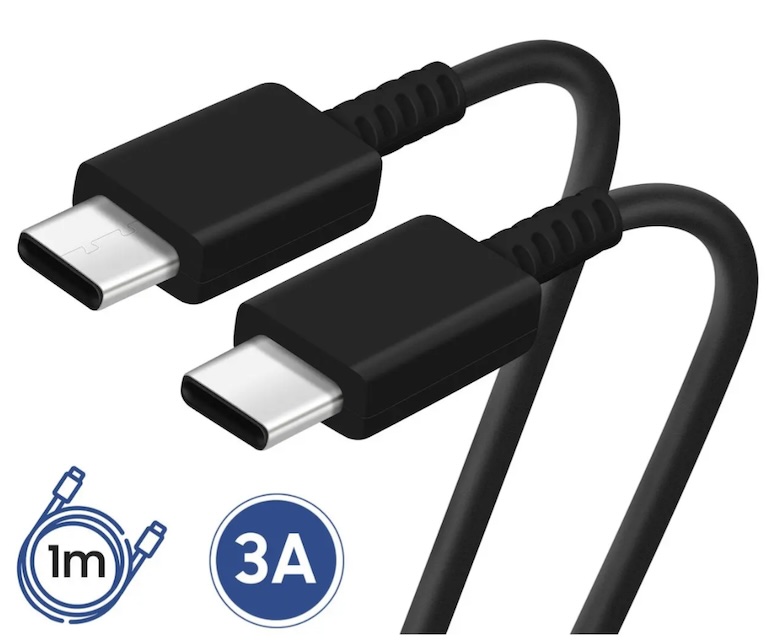
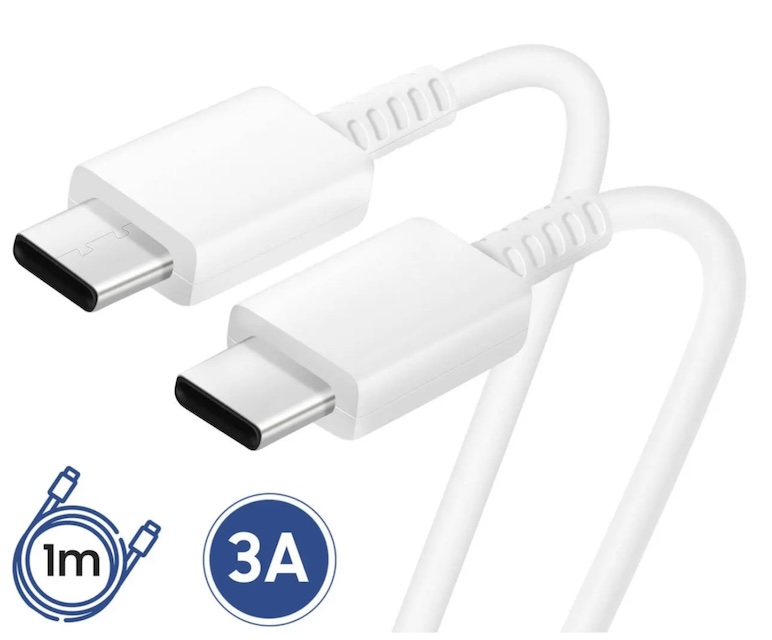
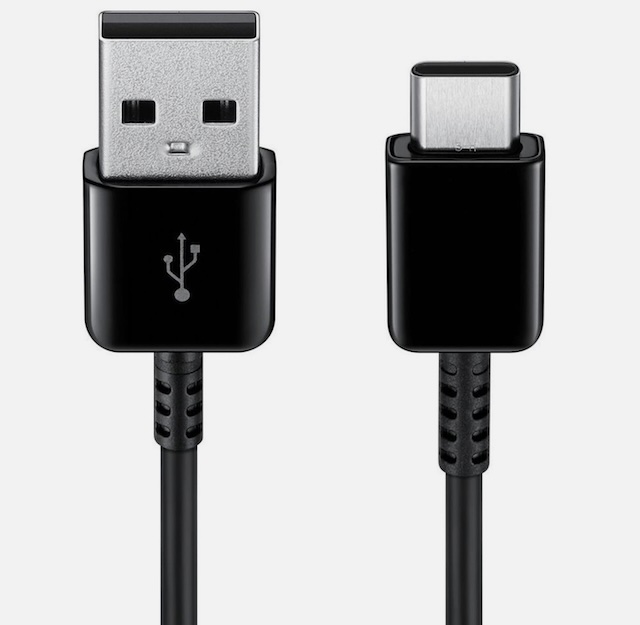
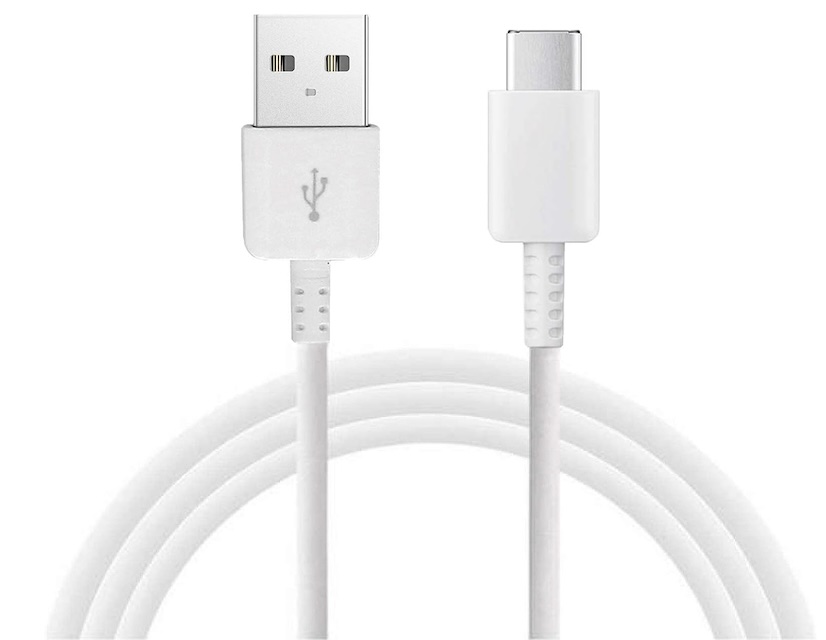
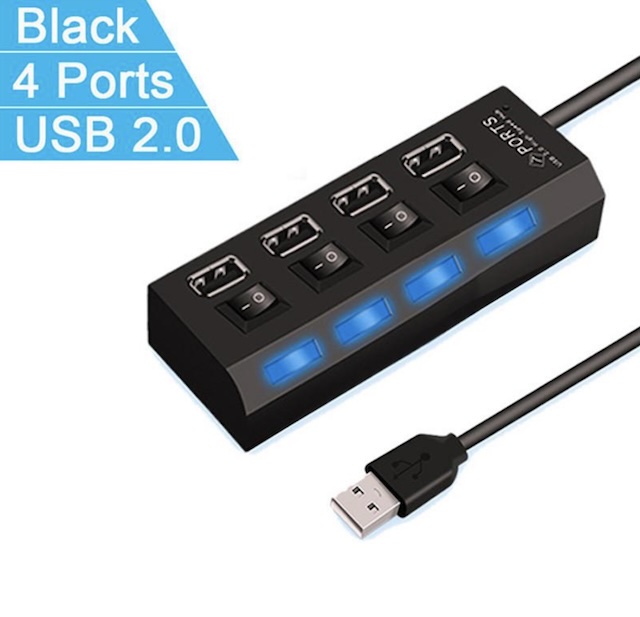
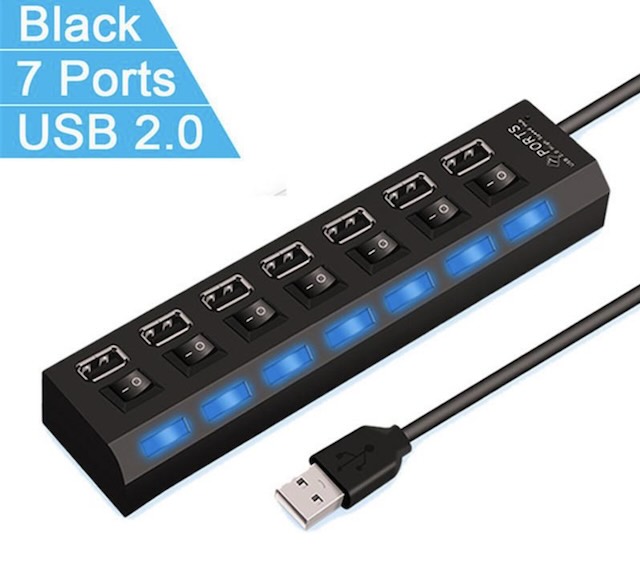
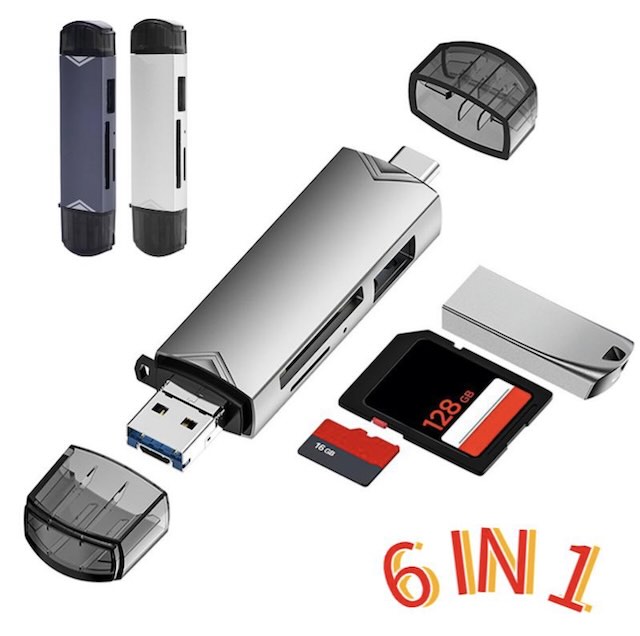
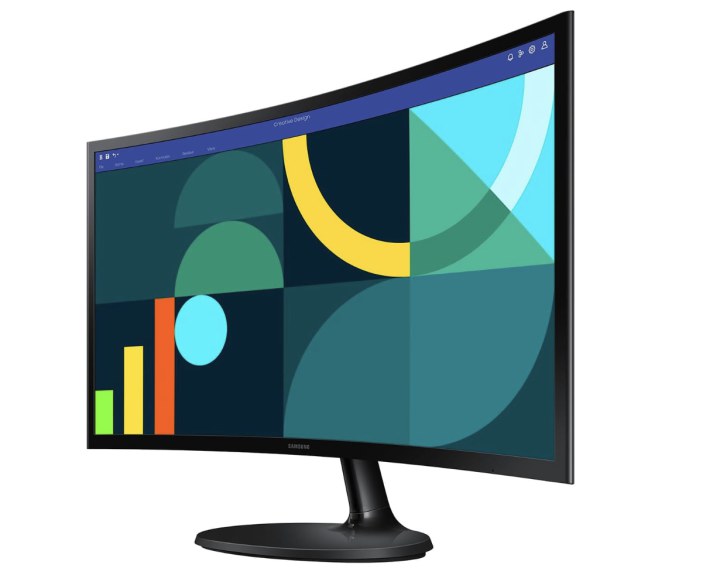
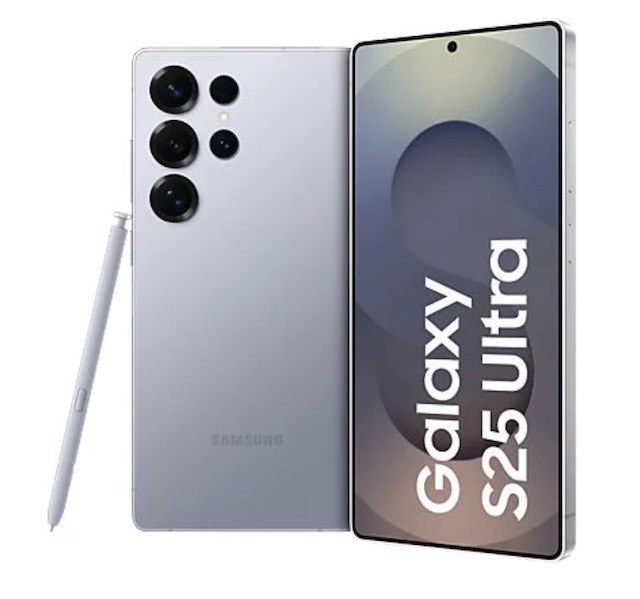
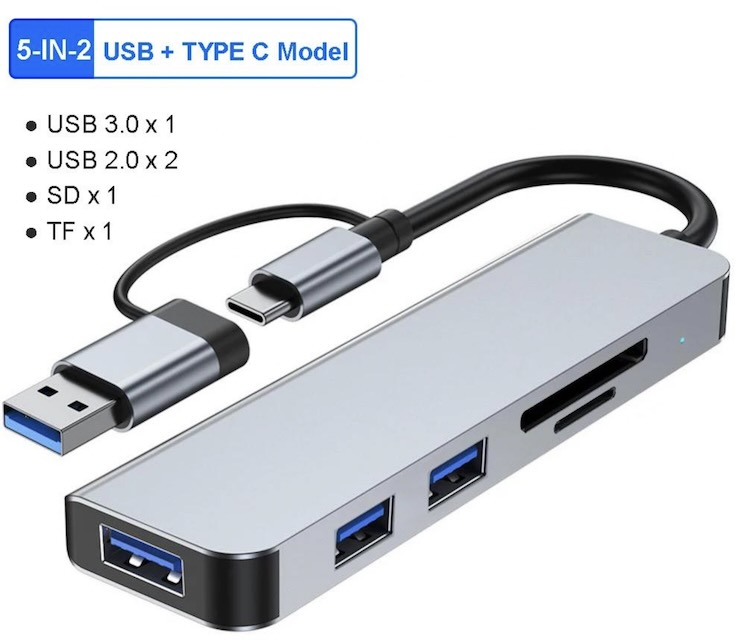
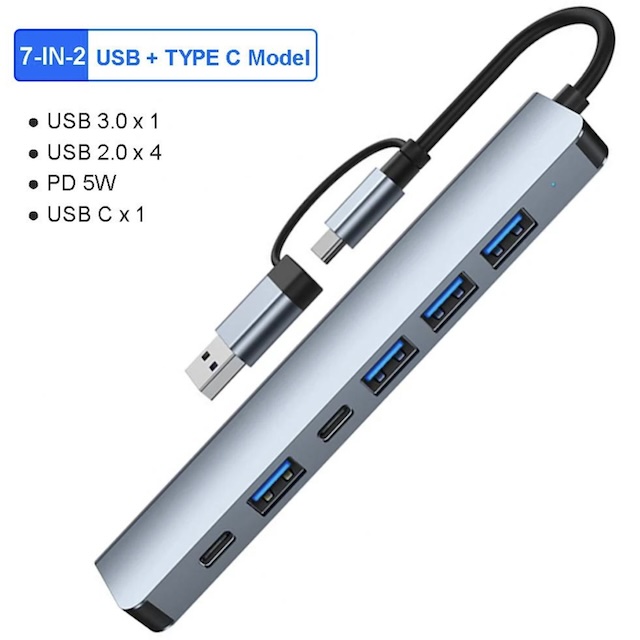
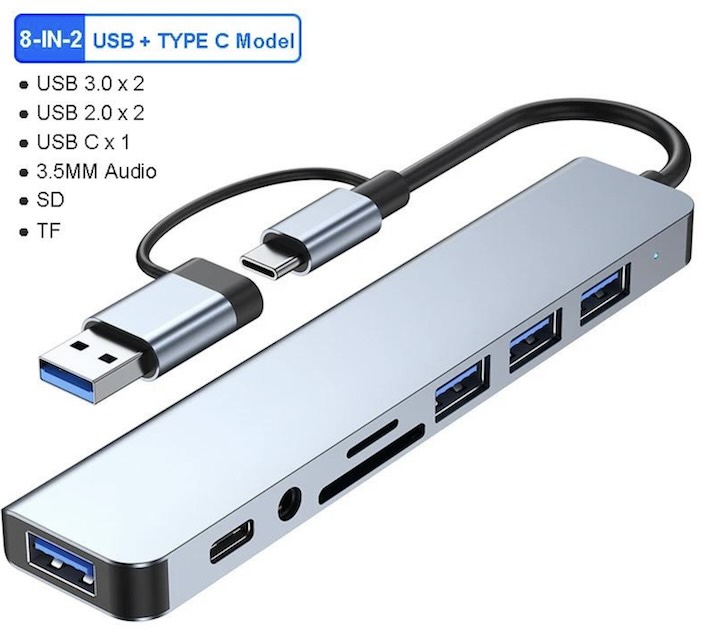
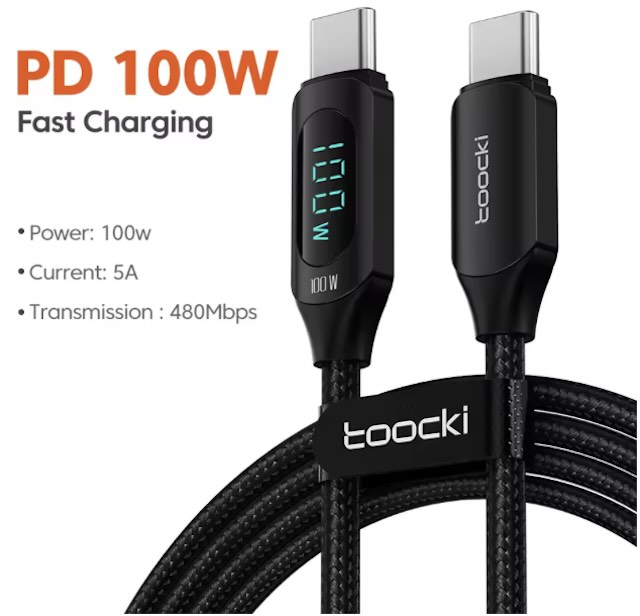
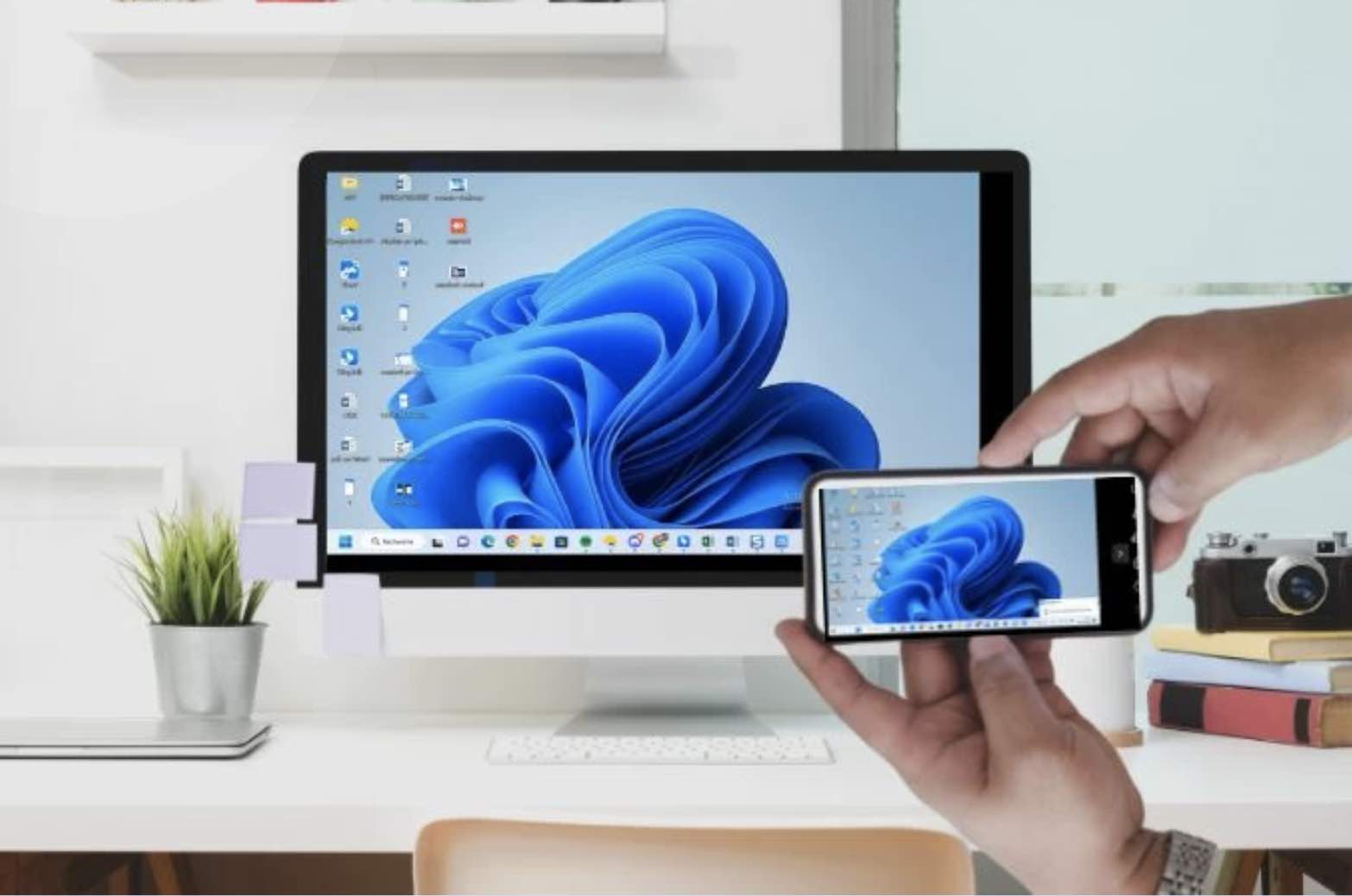
- USB-C / HDMI Hub: High-end smartphones can connect to an external monitor (via an adapter or docking station), transforming the mobile interface into a true desktop environment (e.g., Samsung DeX or Android Desktop mode).
3. Productivity Applications
Optimize your workflow with suitable mobile tools.
- Video Conferencing: Zoom, Google Meet, or Teams (see our article on the best free tools) are optimized for mobile screens and microphone/video management.
- Microsoft Office or Google Workspace: Mobile apps allow you to edit complex documents without needing heavy software.
- Task Management App: Use synchronized tools like Todoist or Trello to never lose track of your tasks on the move.
4. Energy Management and Security
A mobile office must remain operational and secure.
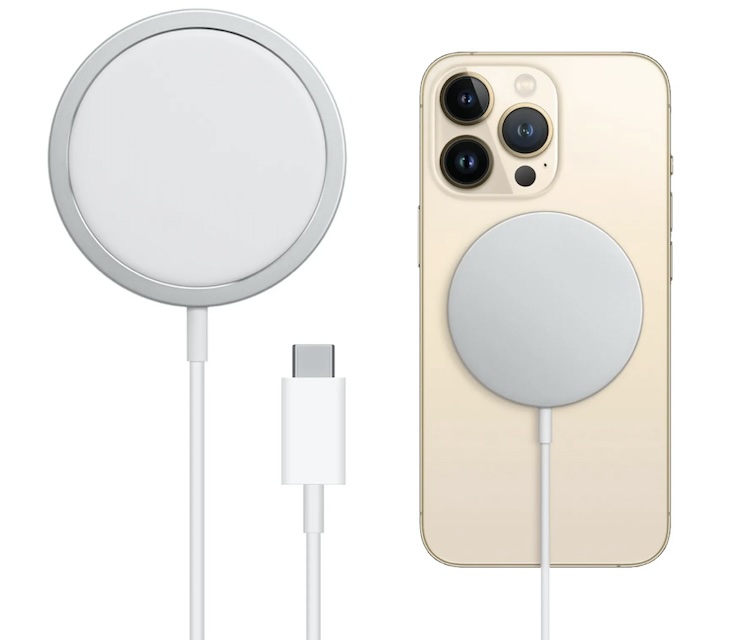
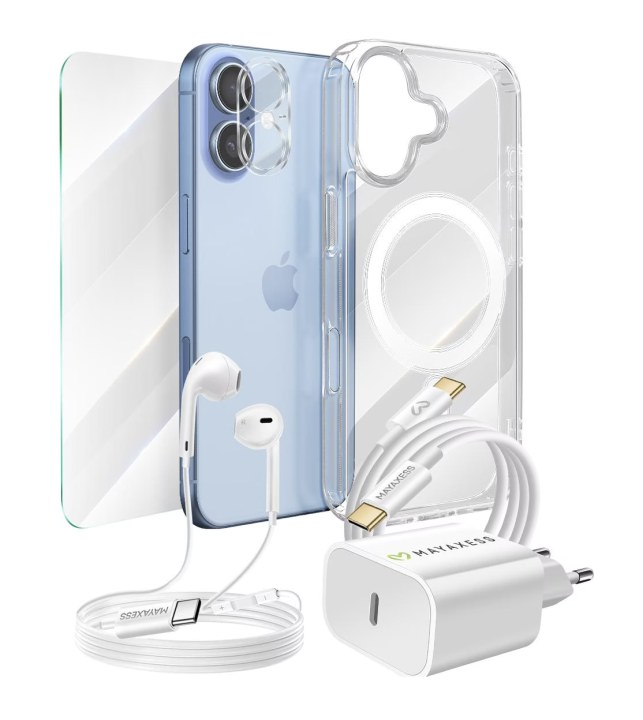
- External Battery: A high-capacity power bank is essential to keep your smartphone and potentially other accessories powered for a full day. Read our tips to extend your battery life.
- VPN and Security: When using public Wi-Fi in train stations or cafes, make sure you have an active VPN to encrypt your connection and avoid security mistakes.
The DigitalKif Expertise: Your Mobility Partner
Whether you need to secure your fleet of smartphones or equip your team with the best mobile accessories, DigitalKif is your partner. We select the best keyboards, hubs, and batteries to ensure your mobile office is as effective as your fixed office technology.
Do you want to optimize your productivity on the go? Don't let technology slow you down. Contact the DigitalKif team for personalized advice on equipping your mobile office!