Keyboard Shortcuts You Absolutely Must Know on Windows and macOS ⌨️
Switching from the mouse to the keyboard might seem trivial, but the strategic use of keyboard shortcuts is one of the fastest ways to boost your productivity. Whether you're on Windows or macOS, mastering these combinations will save you valuable minutes every day. As experts in Office Technology, here are the essential shortcuts every professional should know.
1. File Management Must-Haves (Windows & macOS)
These classics are the foundation of productivity. If you don't use them, you're wasting time!
- Ctrl/Cmd + C : Copy (the selected item).
- Ctrl/Cmd + X : Cut (the selected item).
- Ctrl/Cmd + V : Paste.
- Ctrl/Cmd + Z : Undo the last action (your savior in case of a mistake!).
- Ctrl/Cmd + S : Save the current document. An essential reflex to avoid losing your files.
- Ctrl/Cmd + F : Find (search for a word or phrase in a document or web page).
2. Navigation and System Tips (Windows)
Save time managing your windows and desktops.
- Alt + Tab : Quickly switch between open applications.
- Ctrl + Shift + Esc : Directly open the Task Manager. Ideal if an application freezes!
- Windows Key + D : Show/hide the Desktop.
- Windows Key + L : Quickly lock your session. An indispensable security reflex before you step away.
- Windows Key + V : Open the Clipboard history (to paste older copied items).
3. Navigation and System Tips (macOS)
Optimize your work on Mac with these powerful commands.
- Cmd + Tab : Quickly switch between open applications.
- Cmd + Space : Open Spotlight Search. The fastest way to launch an application or find a document.
- Cmd + H : Hide the current application's window.
- Cmd + Shift + 3 / 4 : Take a screenshot (full screen / selected area).
- Cmd + Q : Quit the current application entirely (not to be confused with Cmd + H).

4. Bonus: Web Navigation Shortcuts 🌐
Work on most browsers (Chrome, Firefox, Edge, Safari).
- Ctrl/Cmd + T : Open a new tab.
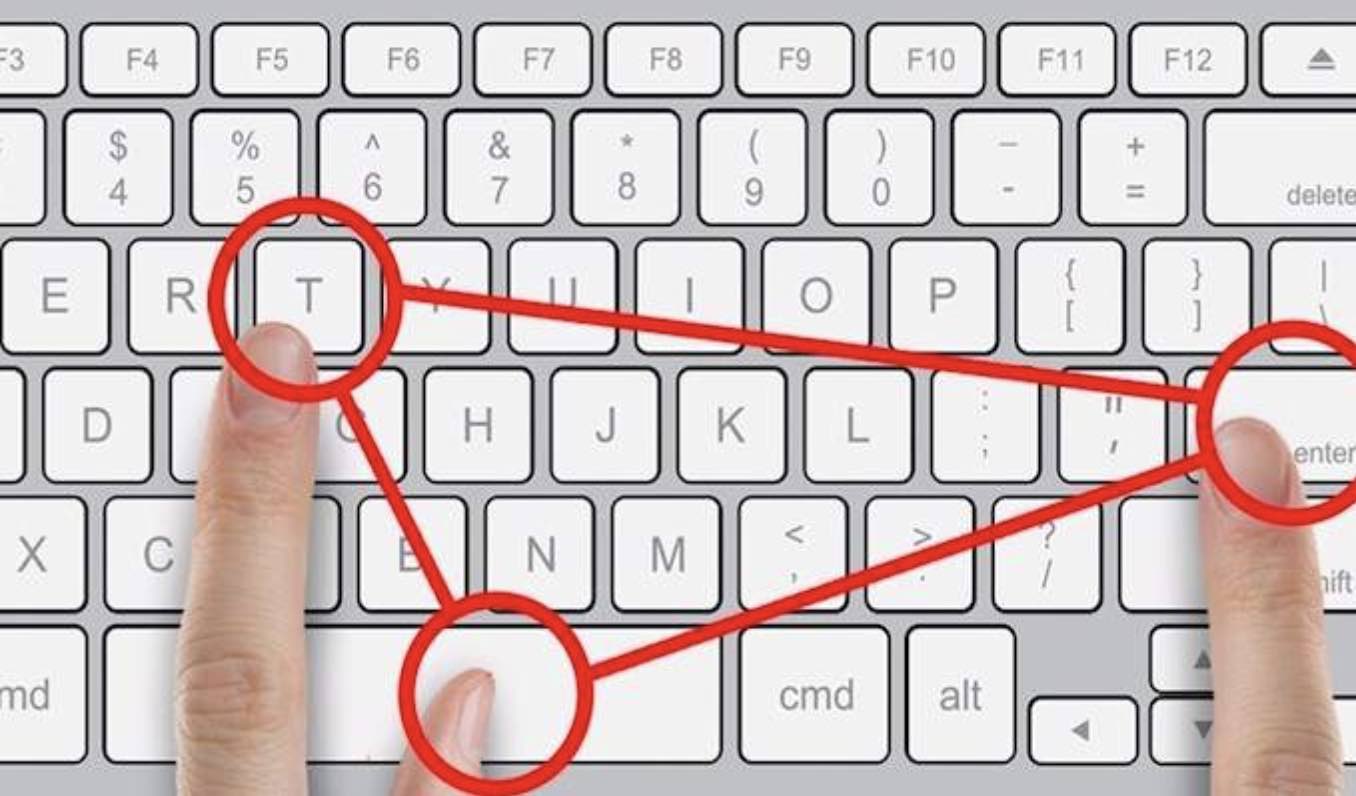
- Ctrl/Cmd + Shift + T : Reopen the last closed tab (life is full of mistakes!).
- Ctrl/Cmd + L : Place the cursor in the address bar to type a new URL or search.
- Spacebar : Scroll a page down (in most browsers).
The DigitalKif Expertise: Focus on Efficiency
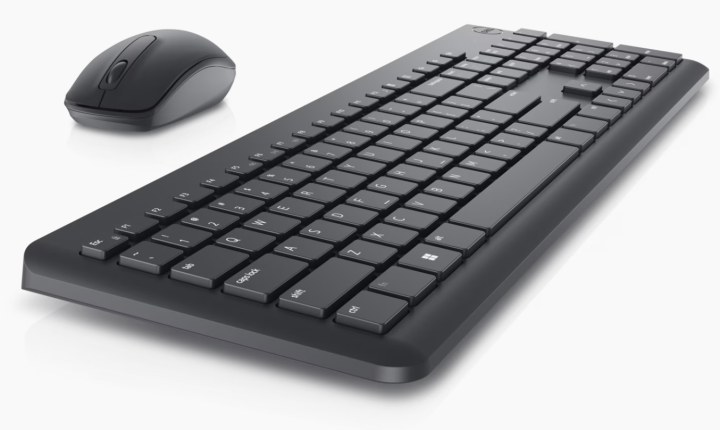
By learning these few shortcuts, you take a giant step towards better management of your working time. To go further, efficiency also depends on the quality of your equipment.
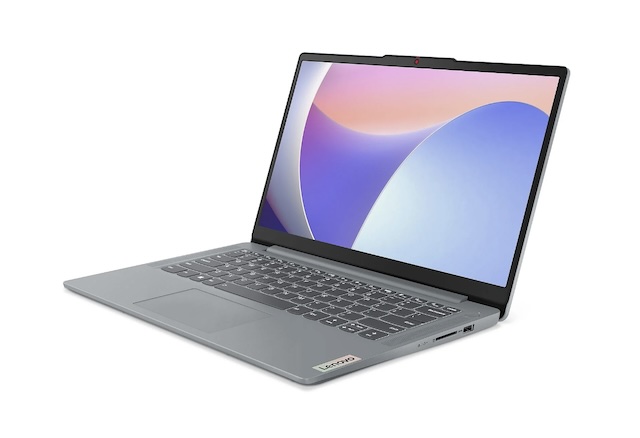
At DigitalKif, we advise you on the most suitable hardware for your productivity needs, from ergonomic keyboards to optimized computers. Efficiency begins with good habits and good tools. If you use professional computers, make sure you also know the security mistakes to avoid to maintain your productivity without risk.
Want to optimize the efficiency of your teams or your office? Feel free to Contact the DigitalKif team for an audit of your office automation and productivity needs!